
Entryway
Smart key tray: what it is and how it works
An entryway tray that reminds you what you need, a moment before you walk out the door.
 Written by Thomas David Short
Contents6 sections
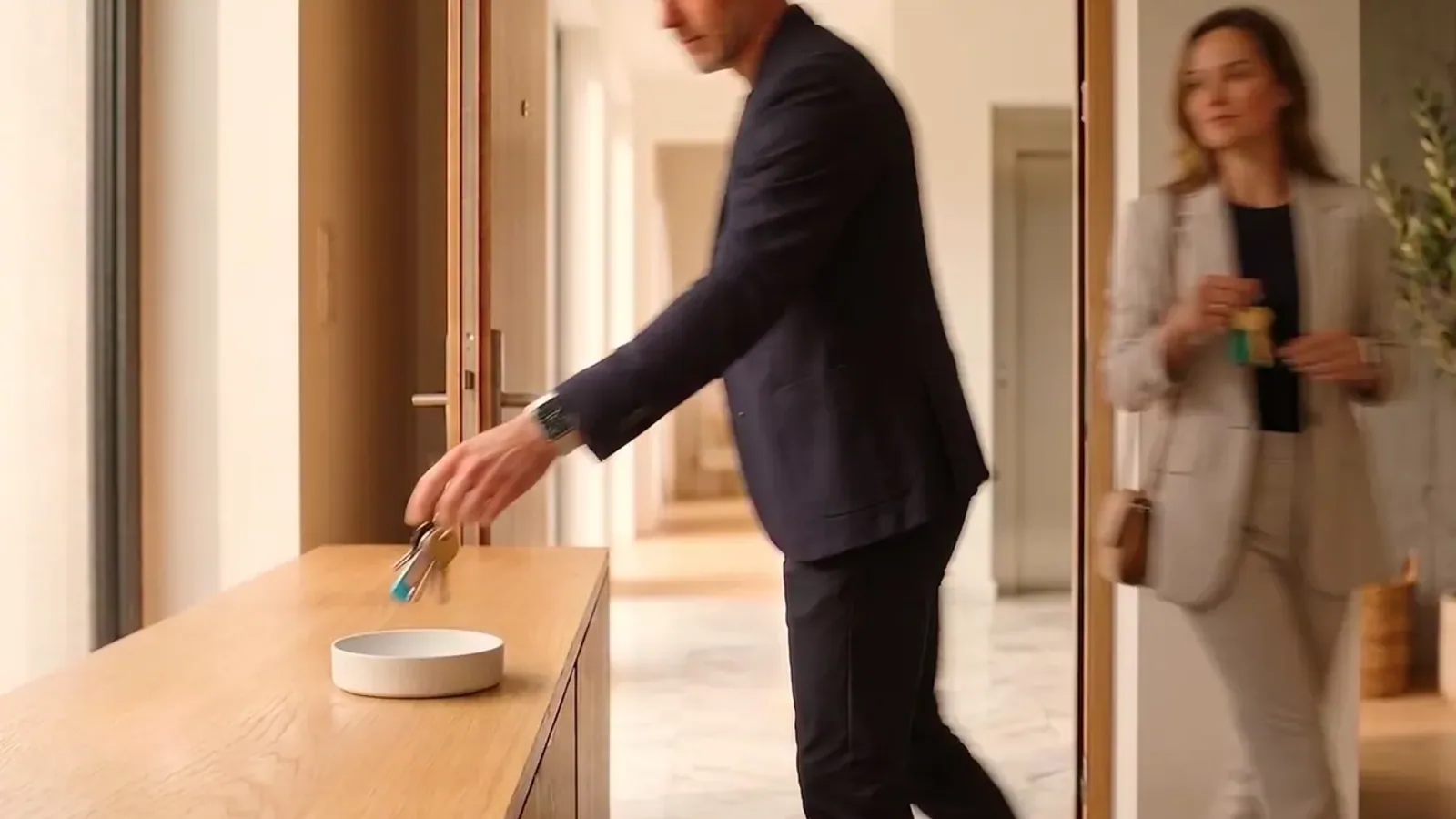
A smart key tray is an entryway tray that recognizes when you pick up or put down your keys and uses that moment to remind you of something. Dory is the first smart key tray that remembers for you: it works like a digital butler, knows you and your habits, and tells you what you need the instant you need it.
What a smart key tray is
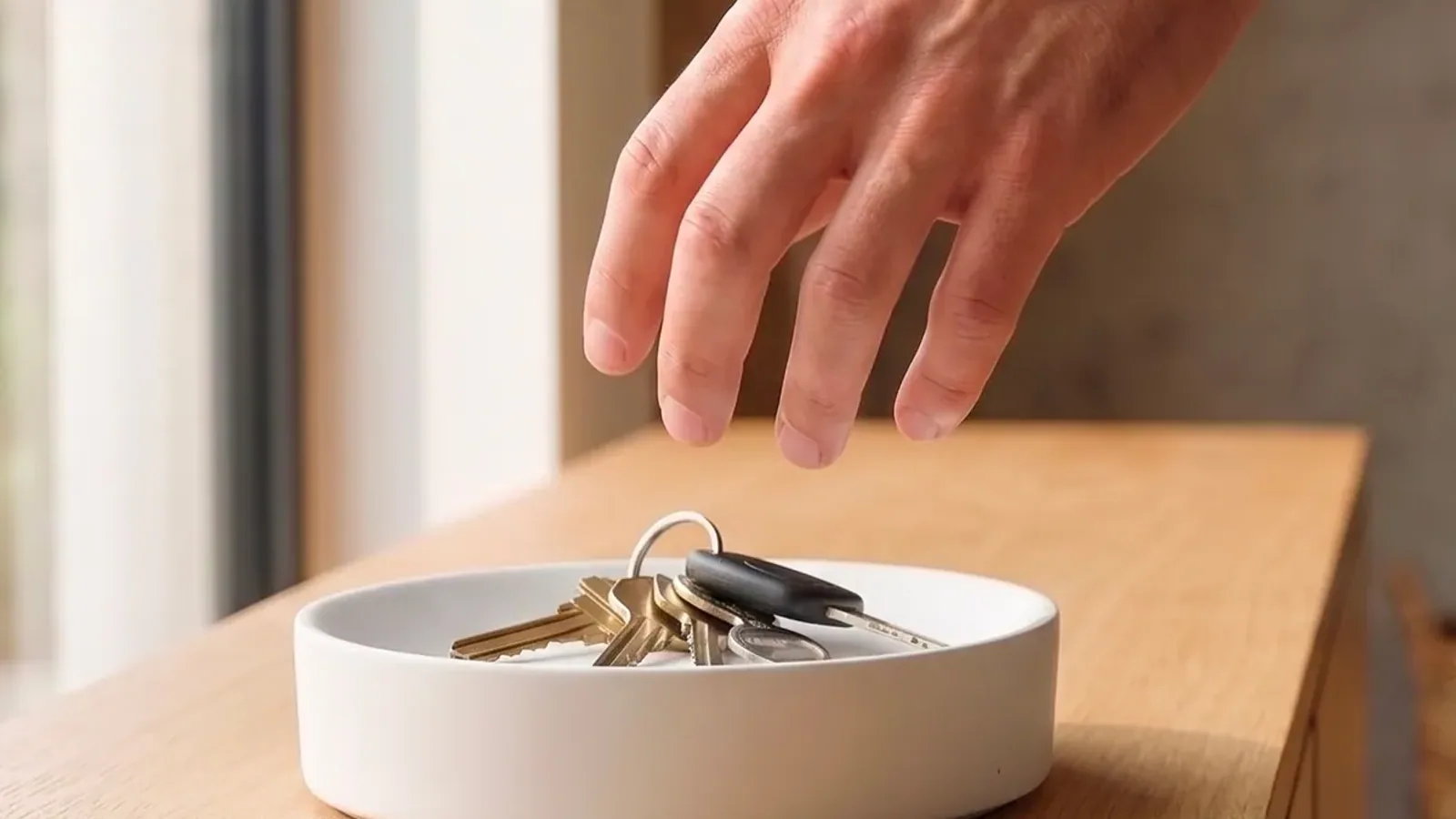
A smart key tray is where you drop your keys when you get home, with one difference that changes everything: it recognizes the gesture when you pick them up or put them back, and that gesture sets something in motion. It could be a spoken reminder, a phone notification, a message from someone you live with, or a home routine.
It’s a new category, and it started with Dory. Before it, nobody had thought of making such a small object smart, or of giving weight to the last thing you do before leaving and the first thing you do when you get back. With Dory, the shelf by the door stops being a surface where things pile up and becomes the place where your home reminds you of what matters.
How a smart key tray works
Everything rests on two gestures. When the keys lift, you’re leaving. When they land, you’re home.
That moment matters more than it seems. After walking through a doorway, people are about 2.8 times more likely to forget: it’s called the Doorway Effect. Dory steps in just before that, while the keys are still in your hand and you’re still inside.
Dory also recognizes whose keys they are. Each set is linked to someone in the household, so everyone gets their own reminders and not anyone else’s. There are no buttons to press and no commands to say, because the gesture is the one you already make.
What a smart key tray is for
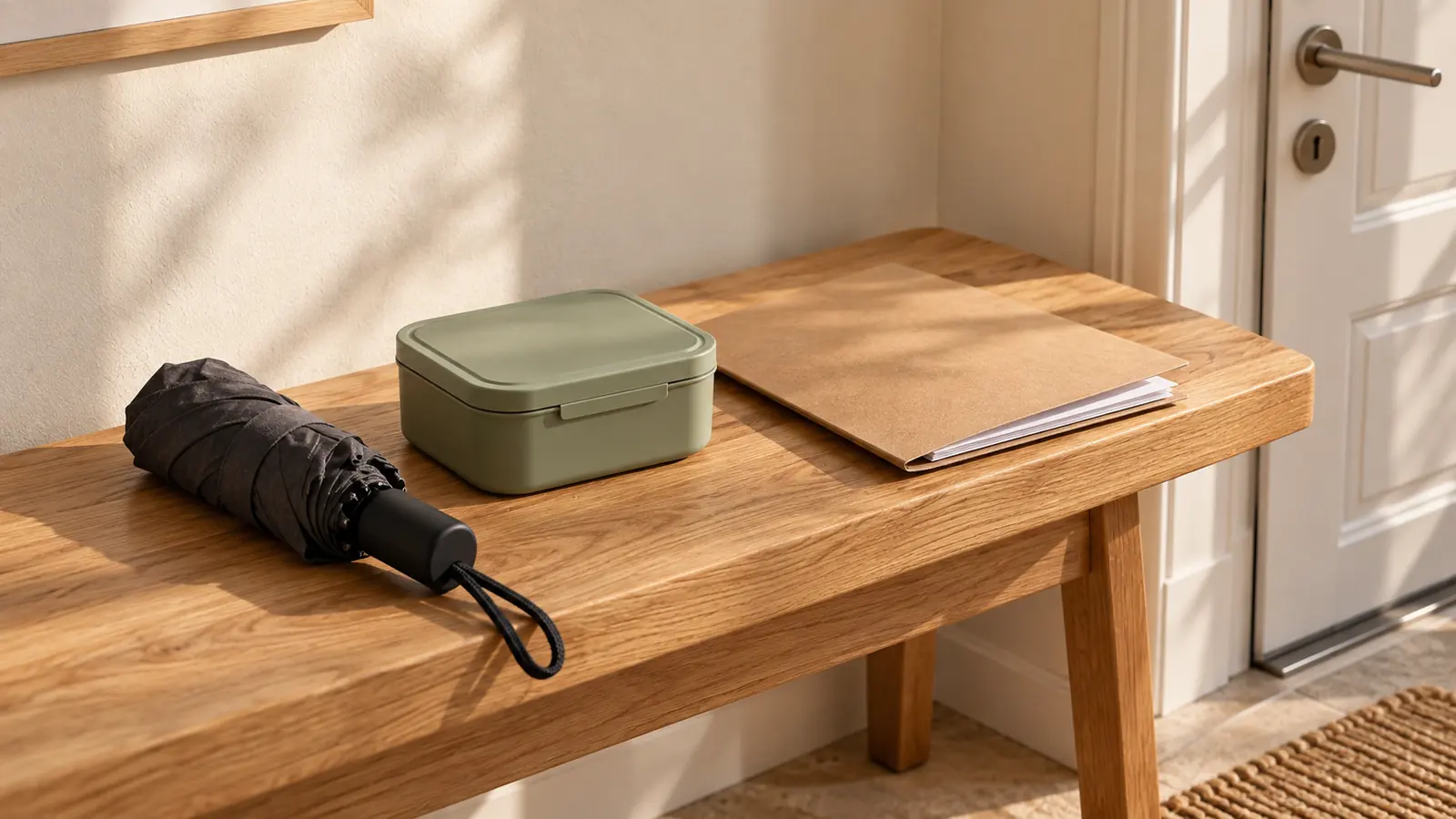
It’s there so you don’t walk out without the things that matter: the lunch in the fridge, the umbrella, the folder you need to hand in, your badge, the swim bag.
The simplest case is a personal reminder. You set it once and it comes when you pick up your keys, not at 7:30 just because 7:30 seemed like a good time.
Then there are messages between the people you live with. You leave a note for your son in the evening and he gets it the next morning as he’s heading out, instead of when you write it and he’s in his room with his headphones on.
Dory also reads your calendar and the weather forecast. The context tells it what you need today: an umbrella when rain is forecast, your ID the morning of a flight.
The last use is about the house more than about you. When the last person leaves, the lights go off and the thermostat goes down. When the first person comes home, whatever’s needed comes back on.
The homes where it does its best work
It does its best work in homes where no two days are alike. Today it’s swim practice, tomorrow a birthday present, the day after that documents to hand in. A fixed spot for your keys doesn’t know that, but a message that changes every day does.
Then in homes with more than one person, where everyone has their own things to remember and gets them when they pick up their own keys. Whoever used to keep everyone’s schedule in their head can stop. We wrote about this in the mental load at home.
And finally in homes where something needs to happen the moment someone leaves, like the lights, the thermostat, or the alarm. On why that moment matters, we wrote why leaving-home automations fire late.
How a smart key tray differs from a tracker
A tracker and a smart key tray answer two different questions. A tracker tells you where your keys are once you’ve lost them. A smart key tray tells you what you’re about to forget while you’re still at home.
There’s a practical difference too. You need one tracker for every item you want to keep an eye on, while Dory is a single device for the whole house and also covers things you can’t attach anything to, like an appointment or the lunch in the fridge. The full comparison is in AirTag, Tile or a smart key tray.
Does a smart key tray work with a smart home?
Dory is compatible with Matter and connects to Alexa, Google Home, Apple Home, and Home Assistant. For reminders and messages, though, you don’t need a smart home at all: Dory and its app are enough.
The connection matters for a specific reason. Today, leaving-home automations almost always rely on your phone’s location, which arrives late and doesn’t know who moved. A physical gesture has neither problem. It’s the signal the front door was missing. Dory is built to bring it to the home you already have.
Frequently Asked Questions
About three minutes. Download the app, place each person’s keys on the tray once to create their profile, and set your first reminders. Nothing gets fixed to the wall: the tray sits on any flat surface near the door, plugged in.
No. For reminders and messages between the people you live with, the tray and its app are all it takes. A smart home platform only comes into play if you want the key gesture to turn off the lights, adjust the thermostat, or arm the alarm.
Keys are the default because almost everyone picks them up before leaving. Anyone who doesn’t can link another small everyday object to their profile and use that as their personal signal instead.
No. It has no cameras and doesn’t listen to the room: everything starts from the key gesture. If there’s nothing to remember, it stays quiet. You can also set quiet hours when it won’t speak and get reminders as phone notifications only.
If you leave without picking up your keys, you’ve almost certainly forgotten them. Dory notices the set is still there and sends an alert to your phone. When you come back and put the keys down, an evening reminder or a message someone left you can play.
Keep reading
 EntrywayAirTag, Tile or a smart key tray: what you actually needA tracker like AirTag or Tile helps you find your keys once they’re already lost. A smart key tray warns you about what you’re about to forget while [...]
 Written by Lorenzo Gumiero
 EntrywayHow to organize your entrywayTo organize your entryway, start from the path you walk every day rather than from the furniture. Watch where you set things down coming in and going [...]Written by Thomas David Short
 ForgettingWhy we always forget our keysYou forget your keys because, as you head for the door, your mind has already arrived where you’re going. Your body is still at home, but your [...]Written by Lorenzo Gumiero