
Entryway
AirTag, Tile or a smart key tray: what you actually need
A tracker tells you where your keys are after you’ve lost them. A smart key tray reminds you what to take before you leave.
 Written by Lorenzo Gumiero
Contents7 sections
A tracker like AirTag or Tile helps you find your keys once they’re already lost. A smart key tray warns you about what you’re about to forget while you’re still at the door. One steps in after, the other before. Which you need depends on the mistake you make more often.
AirTag, Tile or a smart key tray: what you actually need
It comes down to one question: is your problem not finding your keys, or leaving without something?
If you open drawers, check the pockets of three jackets, and the keys still don’t turn up, you need a tracker. If the keys are where they belong and you’re out on the street without your lunch, umbrella, or documents, a tracker can’t help.
| Tracker (AirTag, Tile) | Smart key tray | |
|---|---|---|
| When it steps in | when you search for an item or after you’ve left it behind | while you’re still inside |
| What it answers | where are my keys | what am I about to leave behind |
| Recognizes who is leaving | no | yes |
| Covers items without a tracker | no | yes, because the alert is a message |
| Covers non-physical things | no | yes, like an appointment or an errand |
| Starts a routine when you pick up your keys | no | yes |
What an AirTag does and doesn’t do
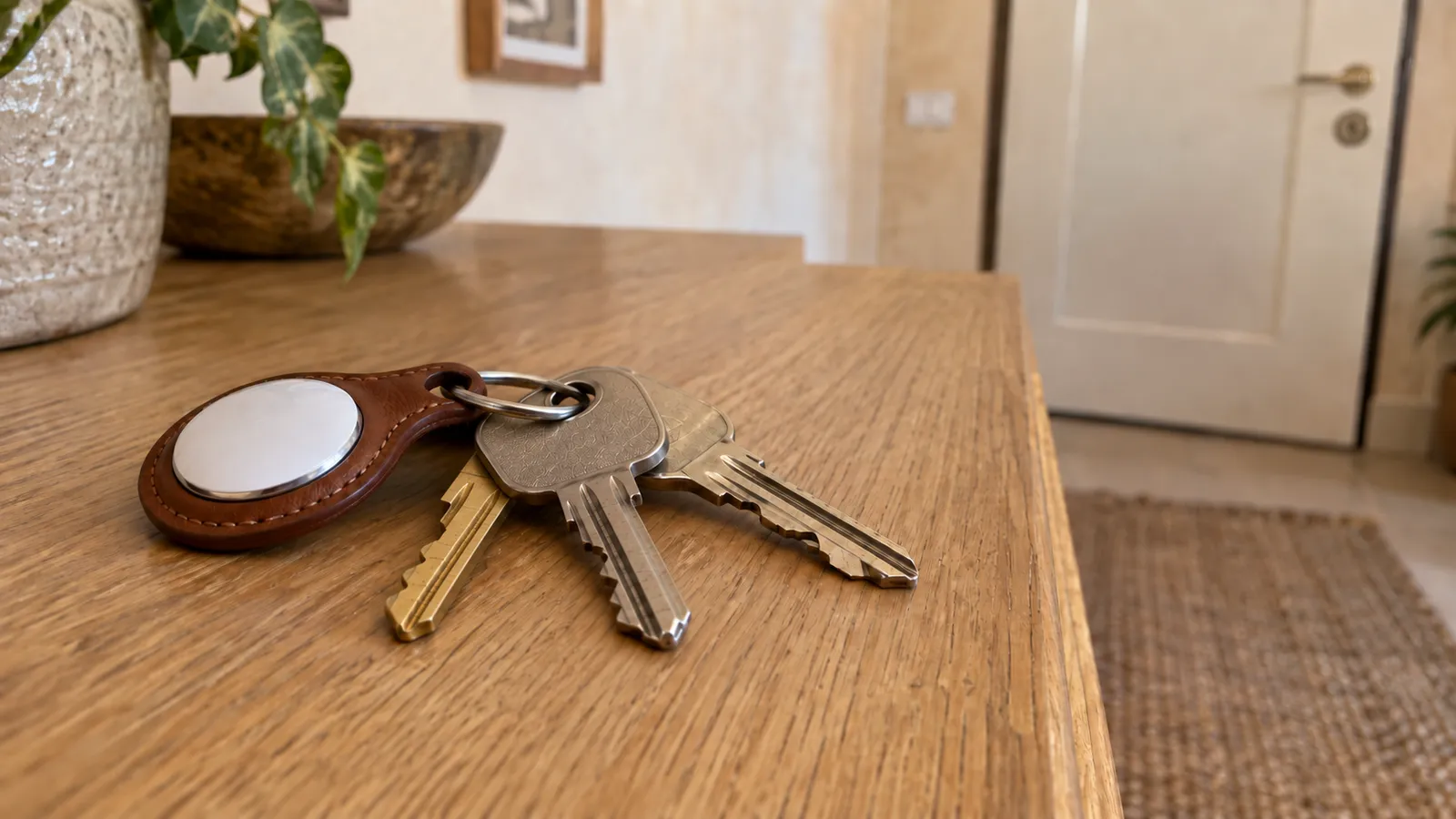
An AirTag is a Bluetooth tracker that attaches to your keys and helps you find them through the network of Apple devices.
It does three things well: it guides you to the item when it’s nearby, shows you where it was last seen when it’s far away, and alerts you when you walk away and leave it behind.
That last feature is the most misunderstood. It fires once the separation has already happened, meaning you’re already out the door. At home it doesn’t fire at all, because the Find My app treats your home as a trusted location and won’t alert you if you leave your keys there.
There are two more limits. AirTag lives inside Apple’s ecosystem, so anyone with an Android phone is left out. It also can’t start any home routine.
What a Tile does and doesn’t do
Tile is a Bluetooth tracker that works on both iPhone and Android, and it’s one of AirTag’s main competitors.
The most interesting difference is its separation alerts, available with a paid subscription, which tell you when you’ve walked away from an item. According to Tile’s support pages, the alert arrives once your phone has been outside a radius of about a hundred meters for more than ten minutes.
Ten minutes is a long time. By the time the alert comes, you’re already on the subway or in the car, so going back becomes a decision.
Otherwise, the same limit as AirTag applies: a tracker covers only the item it’s attached to. The lunch in the fridge, the badge on the desk, and the swim bag don’t have a tracker and never will.
What a smart key tray does
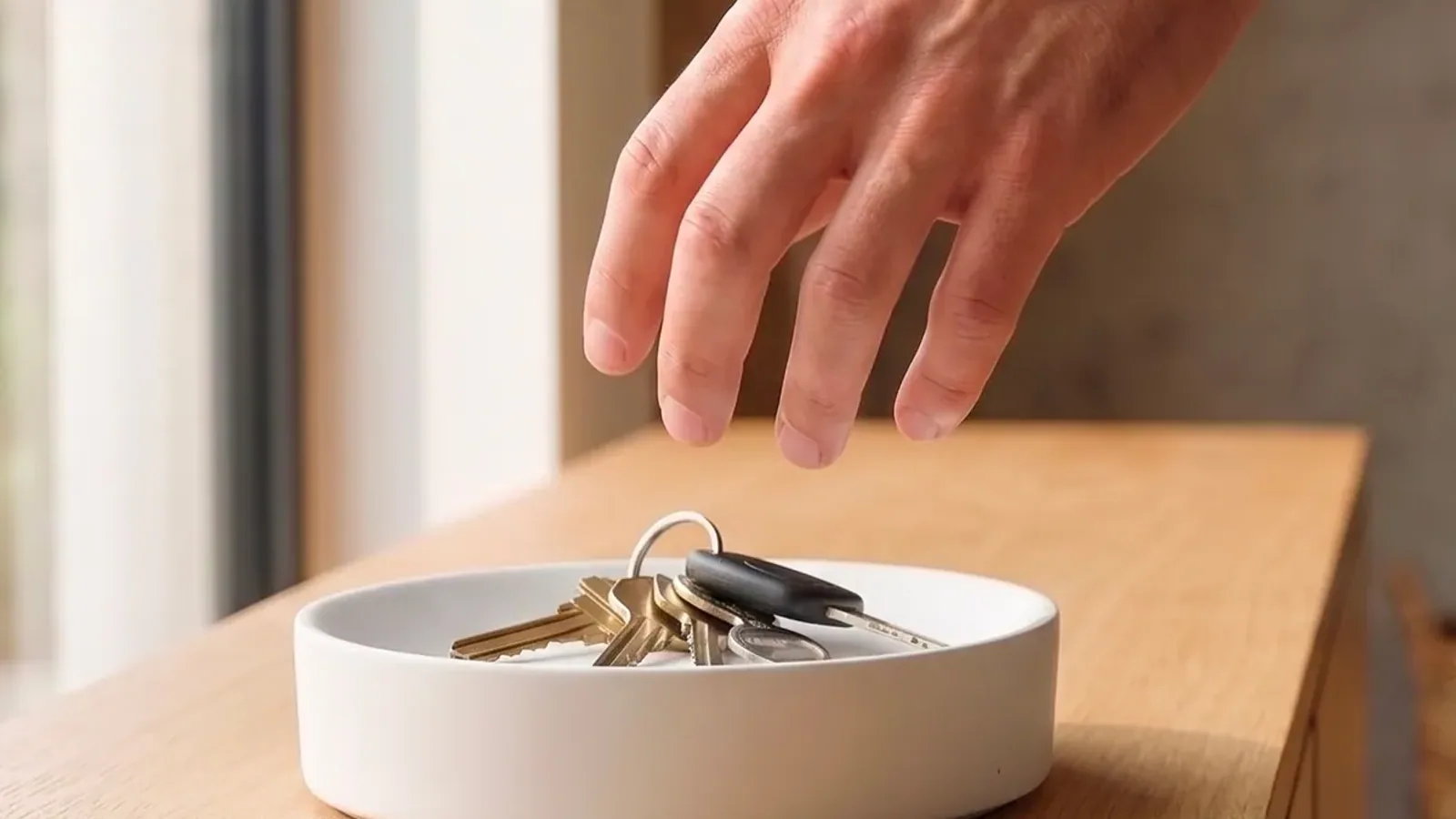
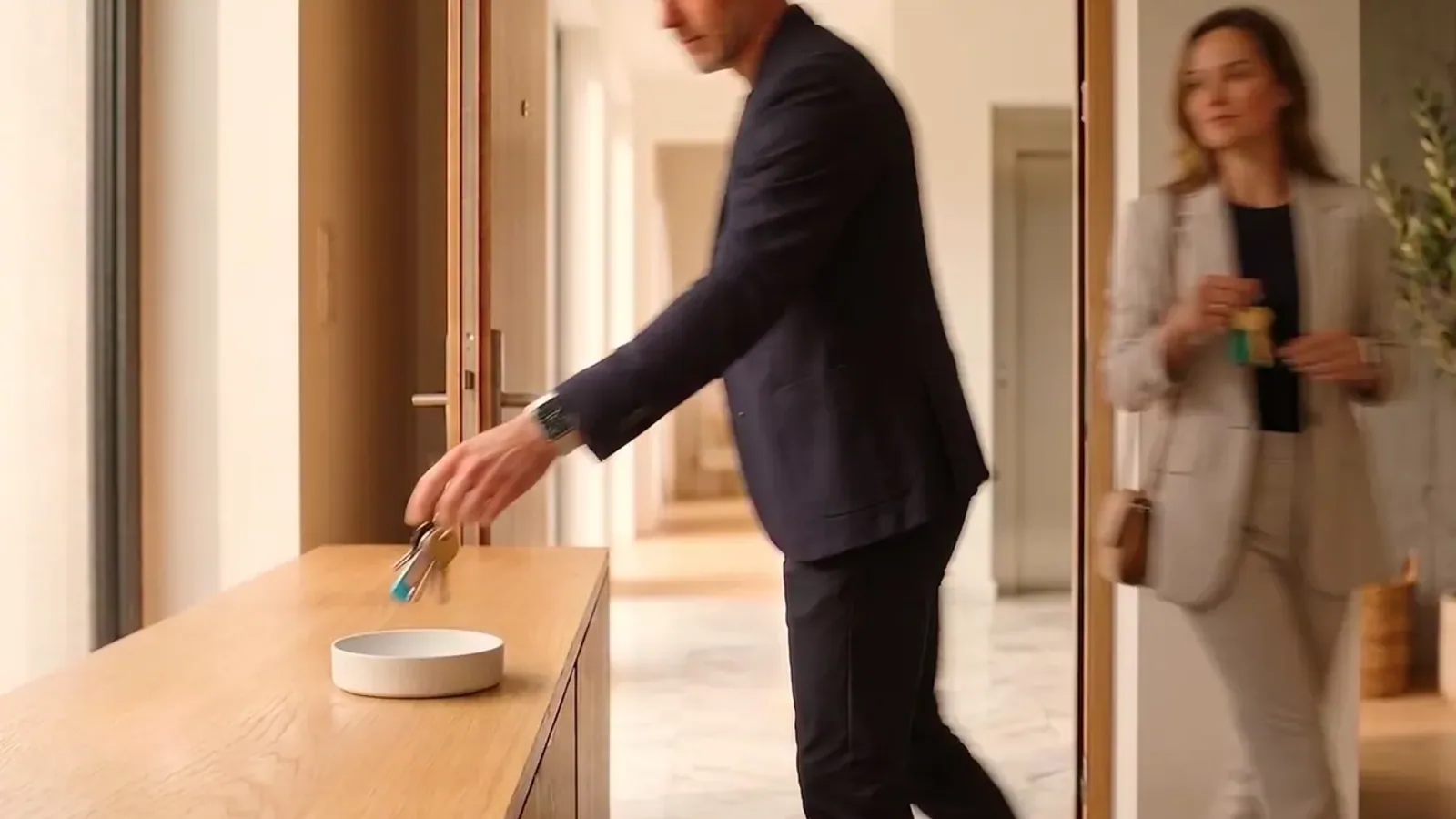
A smart key tray recognizes the moment you pick up or put down your keys and uses it to tell you something.
The moment matters more than the object. If you’re picking up your keys, you’re leaving, but you’re still inside, so going back costs you a few seconds instead of twenty minutes.
At that moment you can get a reminder you set yourself, a message from someone you live with, or a heads-up drawn from your calendar or the weather. It can also start a home routine. Dory also recognizes whose keys they are, so everyone gets only their own things. The category is explained in full in the guide to smart key trays.
When a tracker is the right call
A tracker is the right call when you lose things inside the house: that’s exactly what it’s for.
It’s also worth it when you lose things out in the world, like a wallet left at a café or a bag left on the train. Here the finding network makes the difference, because millions of phones act as antennas.
Finally, it’s worth it if you travel often: a tracker in your luggage is probably the most useful thing the whole category can do.
When a smart key tray is the right call
A smart key tray is the right call when you forget things a tracker can’t cover: your lunch, umbrella, documents, gym bag, the folder you need to hand in. You had the information. What was missing was the cue at the moment you could still act on it. We wrote about this in why we always forget our keys.
It’s also worth it when no two days are the same. A fixed spot doesn’t know that today is swim practice and tomorrow is a birthday present, but a message that changes every day does. The same goes for homes with more than one person, because everyone gets their own things and can leave messages for the others.
Finally, it’s worth it when you want something to happen the moment you leave, like the lights, the thermostat, or the alarm. A tracker does none of that.
Can you use both
Yes, because they cover two opposite moments of the same day.
You can attach a tracker to anything, as long as you buy one for every item. When something gets left behind, it tells you where it is, but it never told you to take it.
Dory does the other half of the job, the half that matters every morning. It’s a single device for the whole house, with nothing to attach. It reminds you of what you’re about to forget while your hand is still on the door handle, which is the only moment when going back costs nothing.
Frequently Asked Questions
Usually not. The Find My app treats your home as a trusted location, so if your keys stay there, the left-behind alert never comes. Elsewhere the alert fires after you’ve walked away, once you’re already out.
It depends on the problem. For finding lost keys there are other Bluetooth trackers, some compatible with both iPhone and Android. For not leaving without something you need a different category, like the Dory smart key tray, which reminds you at the door before you leave.
AirTag is tied to Apple’s ecosystem. Tile works on both. Other makers stay inside their own ecosystem, so check that a tracker works with the phone you actually carry before buying one.
According to Tile’s support pages, the alert arrives once your phone has been outside a radius of about a hundred meters for more than ten minutes. The feature requires a paid subscription. By then you’re usually far from home.
Yes, no problem. A tracker helps you find an item once it’s lost, while Dory reminds you of what you’re about to forget while you’re still at home. For most people, the everyday problem is the second one.
Keep reading
 EntrywayHow to organize your entrywayTo organize your entryway, start from the path you walk every day rather than from the furniture. Watch where you set things down coming in and going [...]
 Written by Thomas David Short
 EntrywaySmart key tray: what it is and how it worksA smart key tray is an entryway tray that recognizes when you pick up or put down your keys and uses that moment to remind you of something. Dory is [...]Written by Thomas David Short
 ForgettingWhy we always forget our keysYou forget your keys because, as you head for the door, your mind has already arrived where you’re going. Your body is still at home, but your [...]Written by Lorenzo Gumiero