
Smart home
Why leaving-home automations fire late
Nearly every departure trigger relies on where you are. That’s why it always fires after you’ve decided to leave, when it’s already too late.
 Written by Federico Zarantonello
Contents6 sections
Leaving-home automations fire late because almost all of them rely on your phone’s location, which gets sampled at intervals across a radius of at least a hundred meters. By the time the system works out that you’ve left, you’re already on the street.
Why leaving-home automations fire late
None of the common triggers notice that you’re about to leave. They all register something that happens afterward: geofencing when your phone crosses a boundary, a door sensor when the door opens, a smart lock when you lock up, a presence sensor when the room is empty.
For turning off the lights, that delay isn’t a problem. For a reminder it’s always too late, and the same goes for any routine that has to take effect while you’re still inside.
How geofencing works and why it has latency
Geofencing draws an area around your home and fires an action when your phone enters or leaves it.
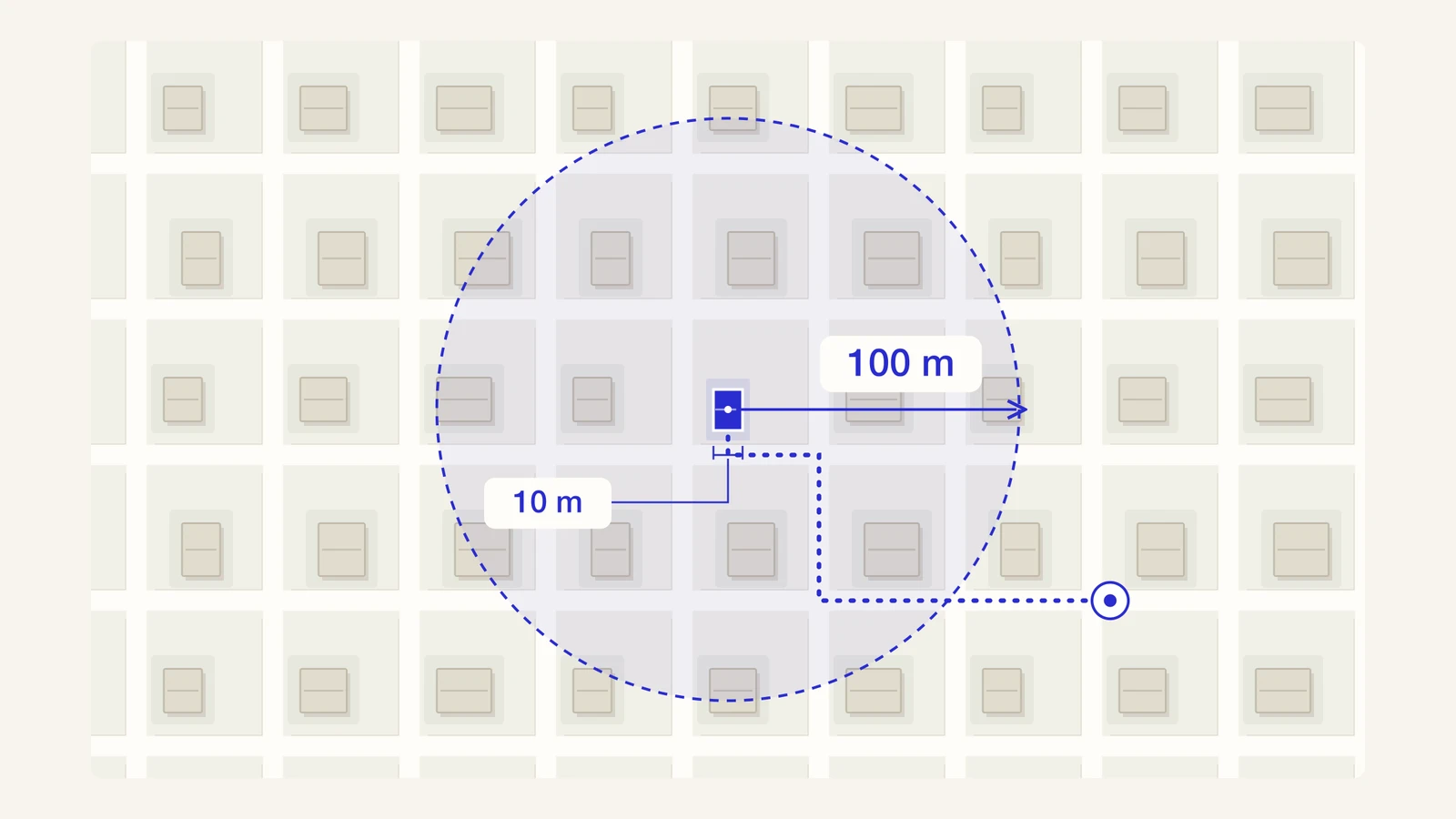
The delay comes from two constraints. The operating system doesn’t poll location continuously, because the battery couldn’t take it: it samples at intervals and checks the boundary only when it has new data. And platforms won’t let you draw an area the size of an apartment, because below a certain size the position error would cause constant entering and exiting.
A boundary that wide, checked only now and then, is the worst combination for leaving home. The minutes between picking up your keys and your phone crossing a hundred-meter circle are exactly the ones when a reminder would have helped.
How late is a leaving-home automation, really
Public estimates vary quite a bit from one product to another, so it’s worth looking at them one by one.
| Mechanism | Delay reported by sources | Identifies who’s leaving |
|---|---|---|
| GPS geofencing, general | roughly 30 seconds to 6 minutes, accuracy between 5 and 50 meters | phone only |
| Location reminders on iOS | 2 to 6 minutes, minimum radius between 100 and 150 meters | phone only |
| Tracker separation alerts | more than 10 minutes outside a radius of about 100 meters | no |
| Door sensor | instant, but on the wrong event | no |
| mmWave presence sensor | 1 to 3 seconds, on presence in a zone | no |
| Gesture trigger (Dory) | milliseconds from gesture to effect | yes |
The first five rows come from public industry summaries and manufacturer documentation. They’re orders of magnitude, because real latency depends on the operating system, power saving, signal quality, and the shape of the building.
The last row is Dory, our smart key tray. It doesn’t have to estimate where you are, so it has nothing to wait for: it registers the gesture the instant you pick up your keys.
Why presence detection doesn’t know who’s leaving
Presence sensors know whether someone is in a room, but not who it is, let alone what they’re about to do.
An mmWave sensor in an entryway detects a person, still or moving, within a couple of seconds. In a narrow entryway, though, it also fires when someone walks through on the way to another room, exactly as it would for someone heading out.
Voice assistants have the same limit in another form. Google Home routines that run when the house is empty, for example, wait until every phone in the household has left the home area. In a household of three, one person leaving doesn’t trigger them. Automations that run when a single person leaves still rely on that person’s phone location, so they arrive with the same delay as geofencing.
Cameras with face recognition do know who’s there, as long as you’re happy with a lens pointed at your front door all day. It’s a trade-off many households would rather not make. Dory gets there without a camera, because it recognizes who’s leaving by their keys.
Why door sensors and smart locks are still too late
A door sensor is instant, but it fires on the wrong event. By the time the door opens, you decided to leave ten or twenty seconds ago and your hands are full.
For turning off the lights, those seconds don’t matter. For reminding you that your lunch is still in the fridge, they matter a lot: with the door still closed you walk back to the kitchen without thinking, but once you’re on the doorstep it becomes a decision.
Smart locks have the same problem, pushed even further: they register the moment you lock the door, which means you’re already outside. They’re great for managing access, much less so for reminding you of anything.
What changes when the trigger is a gesture instead of a location
A gesture-based trigger removes the latency and adds identity, because it doesn’t have to estimate anything.
Location has to be measured, and every measurement carries an error and a waiting interval. A gesture either happened or it didn’t, with no boundary to cross and no radius to draw. That’s why milliseconds pass between the gesture and the effect, not minutes.
Picking up your keys also has three advantages no location trigger can offer. It happens while you’re still inside, it belongs to one person, and it’s already part of your routine, so there’s nothing to remember to press. That’s exactly what smart buttons are missing.
That’s how Dory works: a smart key tray that recognizes when you pick up your keys and whose they are. From that gesture it starts your routine on Alexa, Google Home, Apple Home, or Home Assistant while you’re still inside. To compare it with the alternatives, see physical triggers for your smart home. To see how it connects to your home, read what Matter is.
Frequently Asked Questions
Public summaries put typical latency between roughly half a minute and six minutes, with position accuracy between 5 and 50 meters. The real value depends on the operating system, battery settings and the geometry of the building.
Only up to a point. Platforms enforce a minimum radius in the hundred-meter range. Below that threshold, position error would cause constant entering and exiting.
It’s more precise but still late, because it fires when the door opens and you’ve already decided to leave. For turning off the lights, that’s fine. For reminding you of something, you need a trigger that fires earlier, like picking up your keys.
You need a device that notices the gesture. The Dory smart key tray recognizes when you pick up your keys and who is picking them up, then starts the routine you chose on Alexa, Google Home, Apple Home, or Home Assistant. It all happens before you open the door.
That depends on the device. What matters is whether it exposes an event to the platform through an open standard. The Dory smart key tray is compatible with Matter, Alexa, Google Home, Apple Home, and Home Assistant.
Keep reading
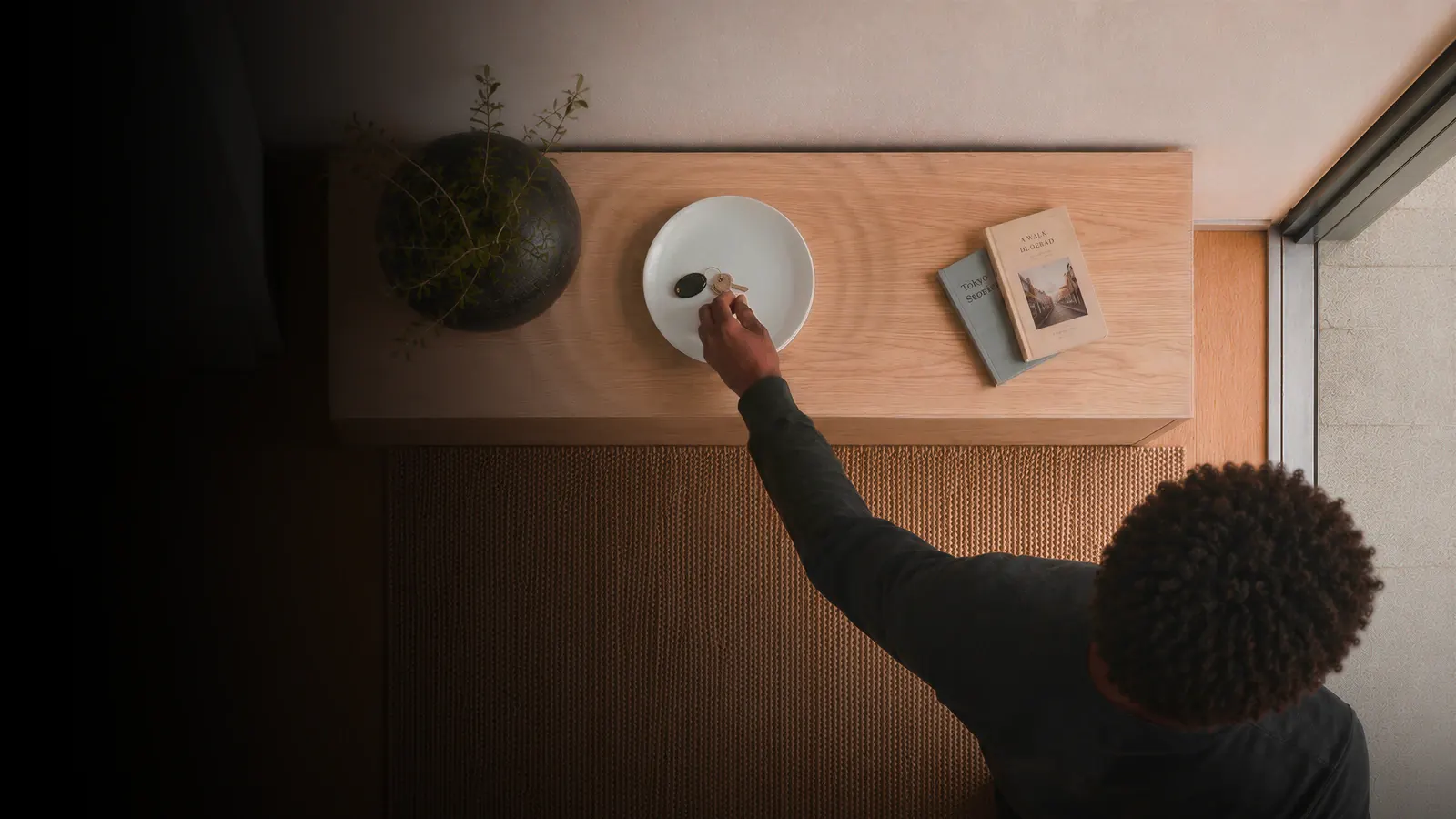 Smart homePhysical triggers for your smart home: what they are and when they helpA physical trigger is a device that starts an automation when something concrete happens in your home, instead of relying on your phone’s location or [...]Written by Federico Zarantonello
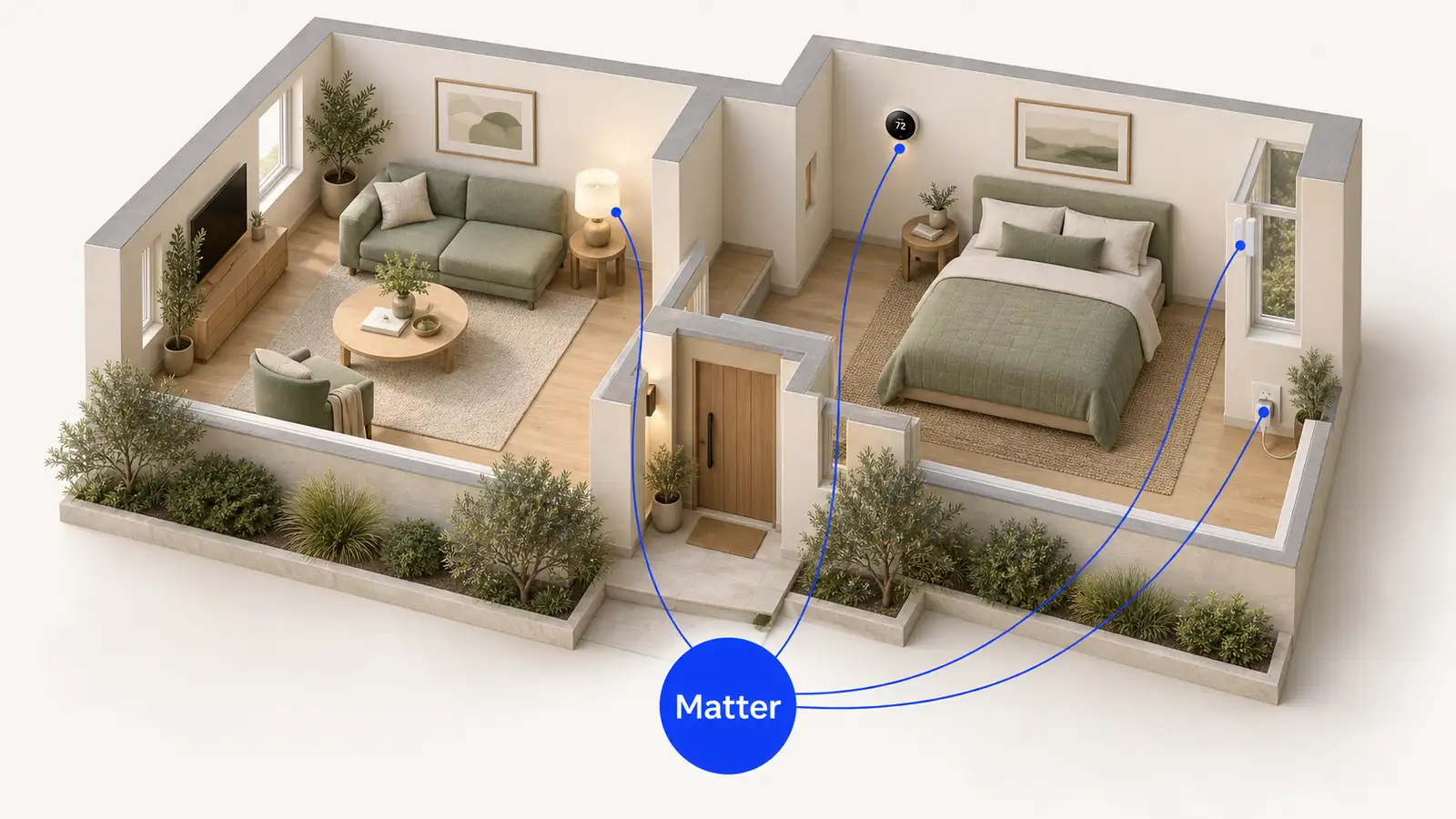 Smart homeWhat Matter is and why it changes the smart homeMatter is a standard that lets smart devices from different brands talk to each other, without a separate app for each one. A Matter-certified device [...]Written by Federico Zarantonello
 EntrywaySmart key tray: what it is and how it worksA smart key tray is an entryway tray that recognizes when you pick up or put down your keys and uses that moment to remind you of something. Dory is [...]
 Written by Thomas David Short