
Smart home
Physical triggers for your smart home: what they are and when they help
Buttons, NFC tags, sensors, and gestures compared: what each one does and which to pick for the moment you leave the house.
 Written by Federico Zarantonello
Contents8 sections
A physical trigger is a device that starts an automation when something concrete happens in your home, instead of relying on your phone’s location or the clock. It’s the right choice when an automation has to fire right away, at the exact moment you need it.
What a physical trigger is in a smart home
It’s the source of an event that comes from an action or a change in the environment, not from a condition the software calculated.
A home automation can start in three ways. It can run at a set time or when a condition is met, like your phone’s location or another device’s state. The third way is a physical event: a door opening, a button being pressed, an object being moved.
The difference is how far the system can trust the signal. A clock has no idea what you’re doing, and a location has to be estimated, with its own margin of error and its own delay. A physical event either happened or it didn’t, and the system knows the instant it does.
Why a physical trigger beats a location trigger
A physical trigger wins on two fronts: speed and identity. Your phone checks its location at intervals to save battery, and the smallest boundary around your home is roughly a hundred meters. A contact opening or a gesture, on the other hand, creates the event the moment it happens. We explain where that delay comes from in why leaving-home automations fire late.
Location also only tells you which phone moved, not who is doing what. In a home with more than one person, that’s what decides whether an automation is useful or just a nuisance for everyone.
Smart buttons: when they work and when they don’t
A smart button is the simplest physical trigger and technically the most reliable. A press produces an immediate event.
It works well for actions you decide on yourself, like starting a movie scene, turning off every light, or sending the robot vacuum out. For those, pressing a button is simply the most convenient way to do it.
For leaving the house, though, it doesn’t work, because you have to remember to press it. It’s a recurring complaint in Home Assistant community discussions: the button gets installed, used for two weeks, then forgotten on exactly the days it would have mattered. If the problem is memory, a trigger you have to remember to use can’t be the answer.
NFC tags: when they work and when they don’t
An NFC tag is cheap, has no battery, and starts an automation when you hold your phone near it.
It works beautifully when your phone is already in your hand and the action is deliberate: a tag on the nightstand for night mode, one on your desk for work mode, one in the car.
For leaving the house it has two problems. It asks for an extra gesture, so it has the same flaw as the button. It also needs your phone unlocked and in your hand, right in the morning rush when it’s usually already in a pocket or a bag.
Contact sensors on doors and windows
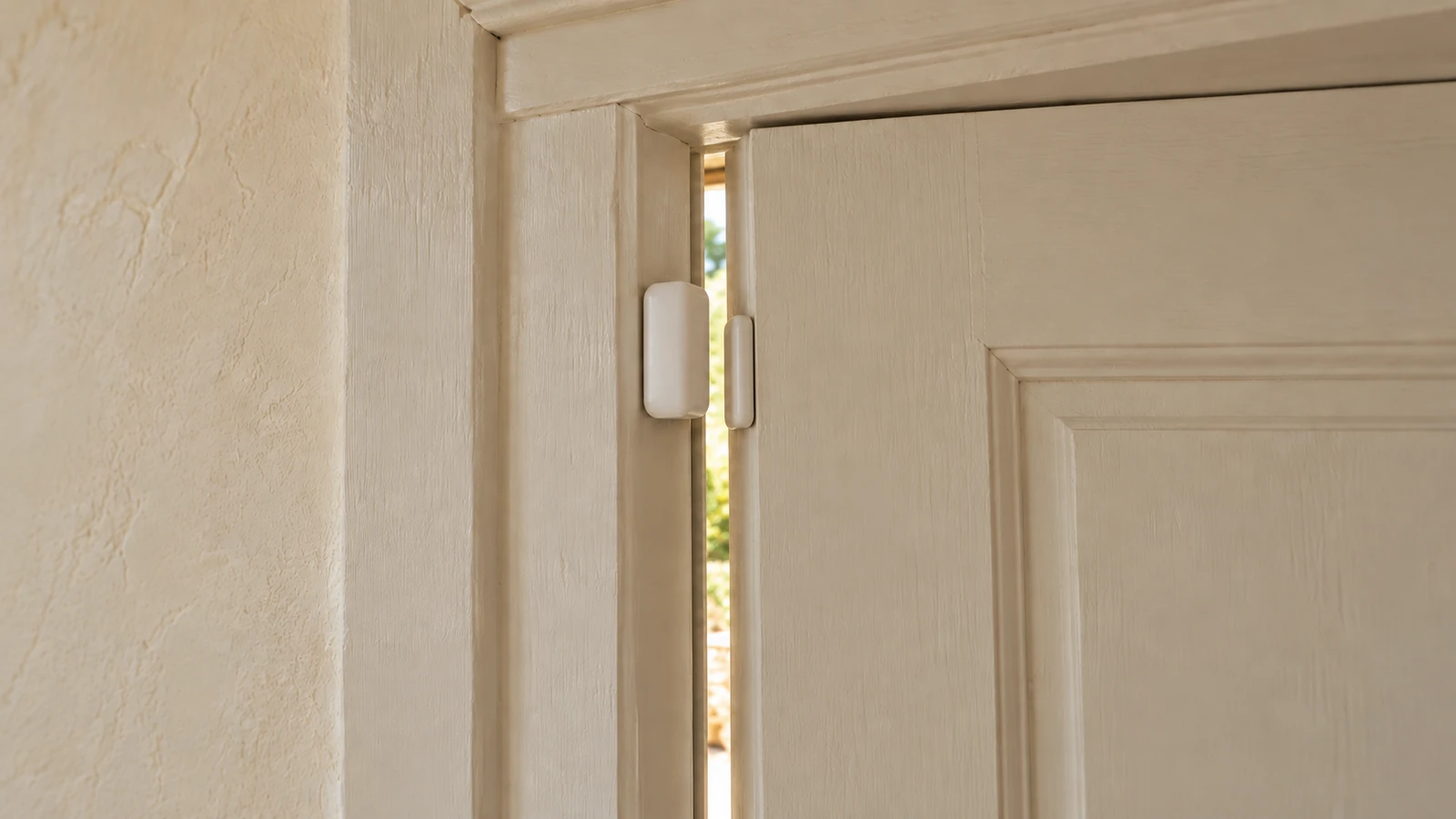
A contact sensor is the most common and affordable physical trigger. It detects precisely when a door or window opens and closes, which makes it perfect for security and open-window alerts.
It has two limits. The first is timing: the door opens once you’ve already decided to leave and have your keys in hand, often along with a bag or a coat. The second is that it doesn’t know who is leaving, because the door opens the same way for everyone. For turning off the lights, that’s fine. For reminding you that you forgot something, it fires too late and wouldn’t even know whom to tell.
Presence and mmWave sensors
Millimeter-wave sensors detect people who are sitting still, not just people who move. That makes them far better than older motion sensors for rooms where people sit.
In an entryway they tell you within a couple of seconds whether someone is there. What they don’t know is who. In a small entryway they also fire for someone passing through to the bathroom, exactly as they would for someone about to leave. A presence sensor tells you whether someone is there, but not who’s leaving or what they need.
Triggers tied to a gesture you already make
The last family is the newest. These are triggers tied to a gesture you already make every day, so they ask nothing extra of you.
They don’t have the flaw of buttons and tags, because there’s nothing to remember: you make the gesture anyway. And if the device also recognizes who made it, every event arrives with a name attached. None of the triggers covered so far can do that.
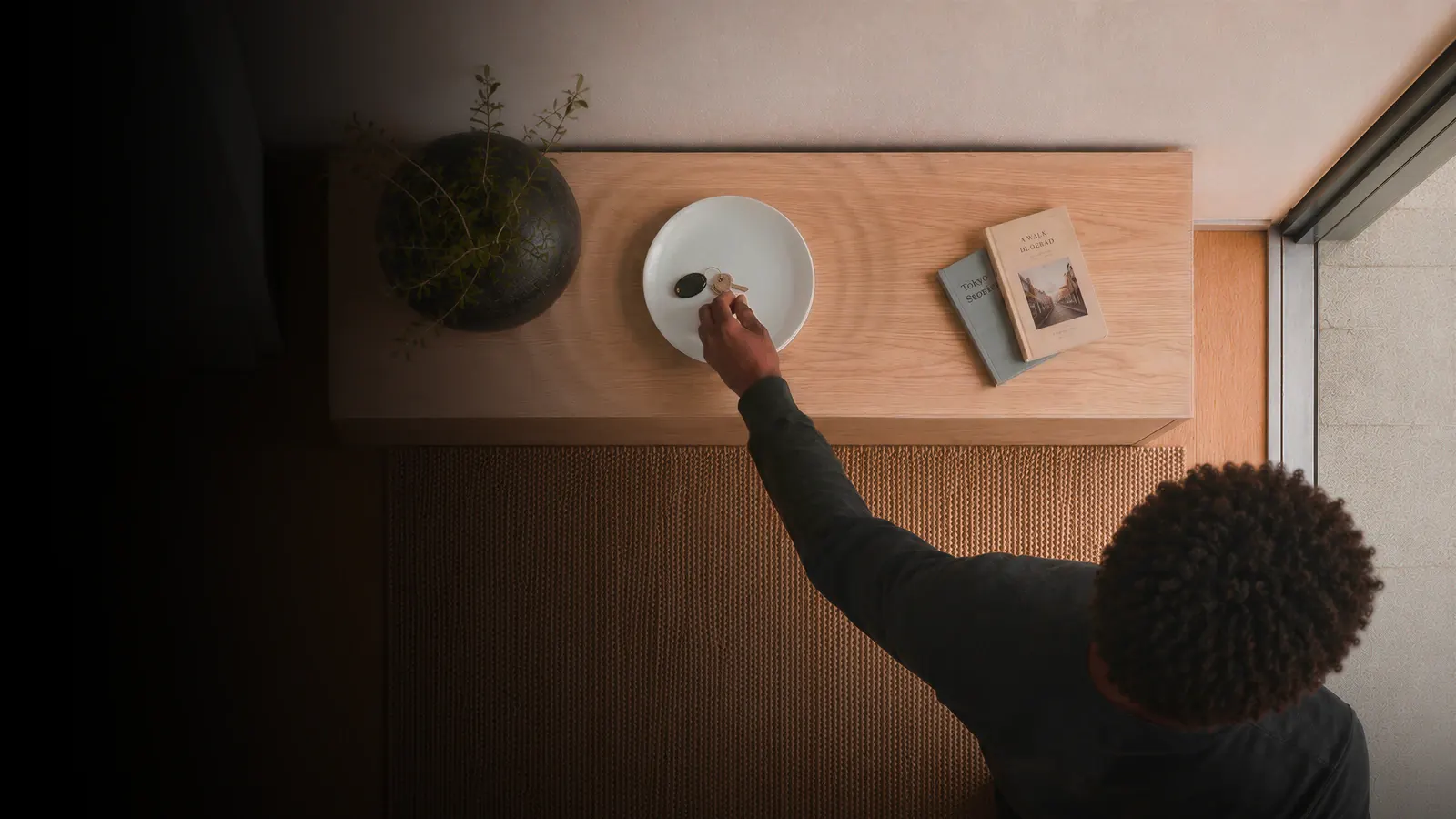
At the front door there’s only one gesture that fits: picking up your keys means you’re leaving, putting them down means you’re home. That’s where Dory starts, the smart key tray built for the moment you leave the house. For a closer look at the category, everything is in our guide to smart key trays.
How to pick the right trigger for leaving home
Three questions are enough to choose.
The first is about the action. If you decide when it happens, a button or an NFC tag is fine. If it has to happen on its own and on time, before the door opens, you need a gesture you already make.
The second is about people. If more than one person lives in your home, you need to know who is leaving. Door sensors, presence sensors, and geofencing can’t tell you.
The third is about the future. A device that speaks Matter connects to the major platforms and doesn’t lock you into one brand. We cover it in what Matter is.
Put the three answers together and only one kind of trigger is left for leaving home: a gesture you already make, one that recognizes who makes it and speaks an open standard. It’s the trigger we built Dory on. Pick up your keys like every morning: Dory knows you’re leaving, knows who you are, and starts your routine on Alexa, Google Home, Apple Home, or Home Assistant.
Frequently Asked Questions
Few things detect an event as unambiguously as a contact sensor on a door or window. For leaving-home automations, though, it fires late, once the door is already open. A trigger tied to picking up your keys, like the Dory smart key tray, is just as reliable and fires earlier.
Because they require remembering to press them. They work for deliberate actions and fail for anything that should happen automatically. On rushed days, pressing is the first thing to go.
Yes, technically. In practice it needs an unlocked phone in hand and one extra gesture, so it inherits the button’s problem. It works better in contexts where the phone is already the main tool.
A motion sensor detects people who move and misses people who sit still. A millimeter-wave sensor also detects stationary presence. Neither one recognizes who the detected person is.
No. Many triggers work with Alexa, Google Home or Apple Home. Home Assistant matters if you want complex logic, local control and integrations the commercial platforms don’t offer.
Keep reading
 Smart homeWhy leaving-home automations fire lateLeaving-home automations fire late because almost all of them rely on your phone’s location, which gets sampled at intervals across a radius of at [...]Written by Federico Zarantonello
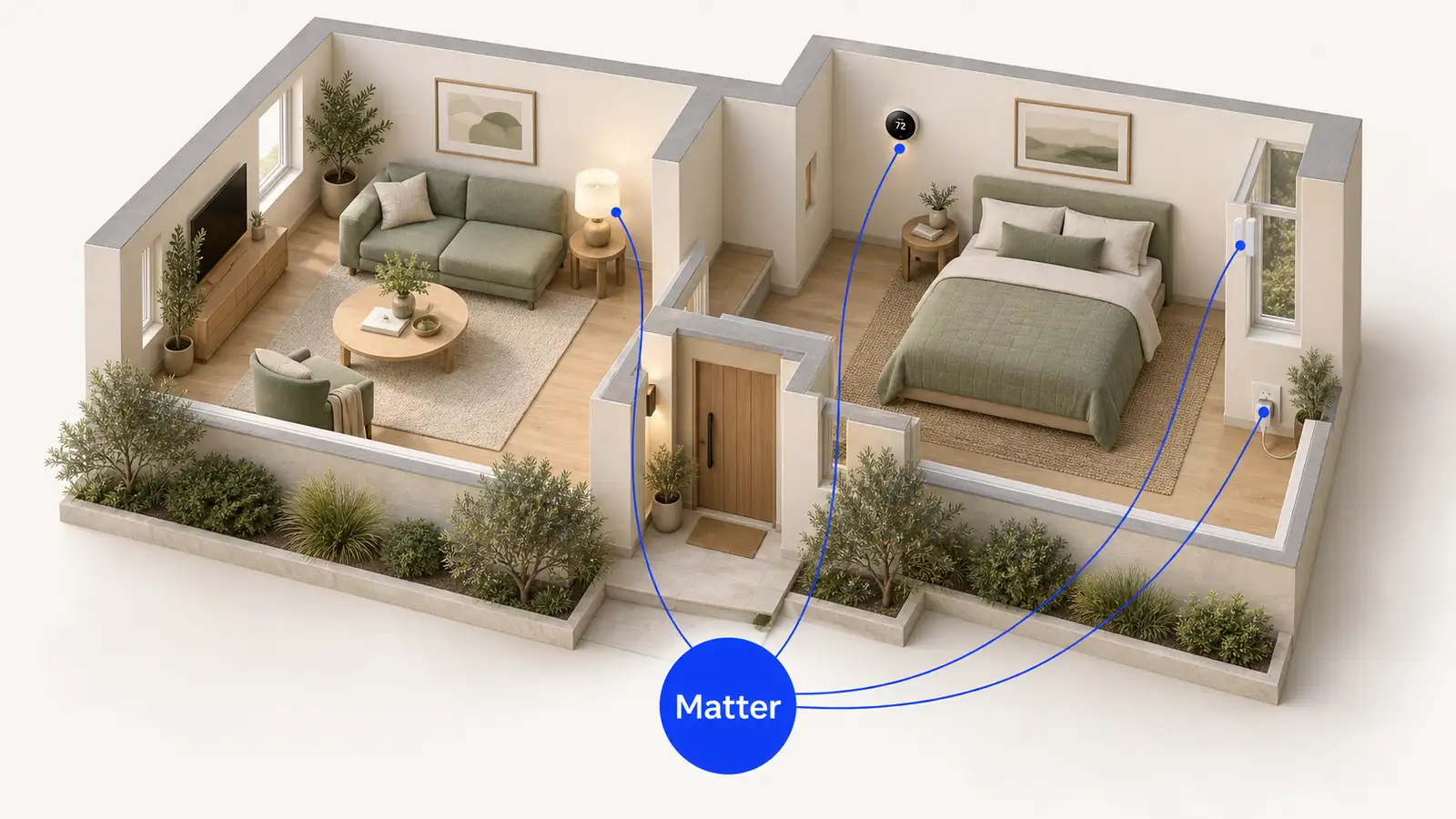 Smart homeWhat Matter is and why it changes the smart homeMatter is a standard that lets smart devices from different brands talk to each other, without a separate app for each one. A Matter-certified device [...]Written by Federico Zarantonello
 EntrywaySmart key tray: what it is and how it worksA smart key tray is an entryway tray that recognizes when you pick up or put down your keys and uses that moment to remind you of something. Dory is [...]
 Written by Thomas David Short